ARTO Anima
Your reel's animated graphics, designed for each line and laid over your clip.
No card. It takes a minute with your email or Google. Already have an account? The same button signs you in.
What it does
Reads your timed script and builds a 6-part storyboard. Once you say yes, it writes each graphic as an animated web page (a headline that types itself, numbered steps, figures, product screenshots, an end card with your CTA) and shows you a sheet of key frames. With your second yes it renders the vertical MP4 on your computer, with no credits or account, sets the sound to -14 LUFS and hands you the project so you can change it later.
What you tell Claude
- «Animate the graphics for my reel»
- «Make a graphics-only reel from this script»
- «Add an animated headline and an end card with my CTA»
What you need
- Claude Code
- Mac or Linux (not Windows; tested on Linux, not yet on Mac)
- Node 22 or newer
- ffmpeg
- About 400 MB free for the render engine and its Chrome
How long it takes
4 to 5 s per second of reel, measured on Linux with 4 cores, plus a few minutes the first time
How to install it
In Claude Code
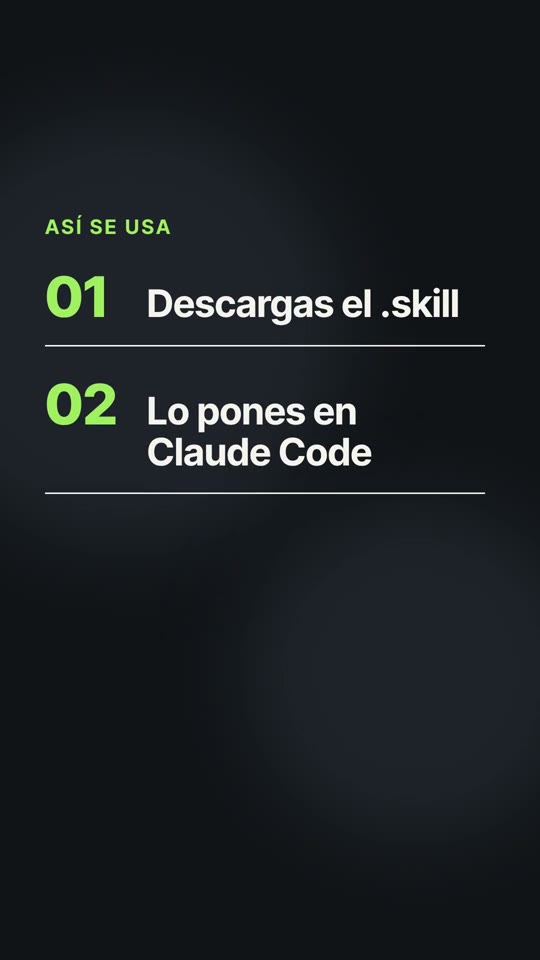
- Download the .skill file. It is a zip with the skill folder inside.
- Unzip it into ~/.claude/skills/ (or into .claude/skills/ inside your project).
- Open Claude Code and ask in your own words. The skill kicks in on its own.
mkdir -p ~/.claude/skills
unzip "arto-anima - SKILL - V1.0.1.skill" -d ~/.claude/skills/
In claude.ai
- Go to Settings → Capabilities → Skills.
- Upload the .skill file as you downloaded it.
- Turn it on and ask Claude in any chat.
In ChatGPT it delivers the storyboard and the animation project; the video is rendered in Claude Code.